


Description
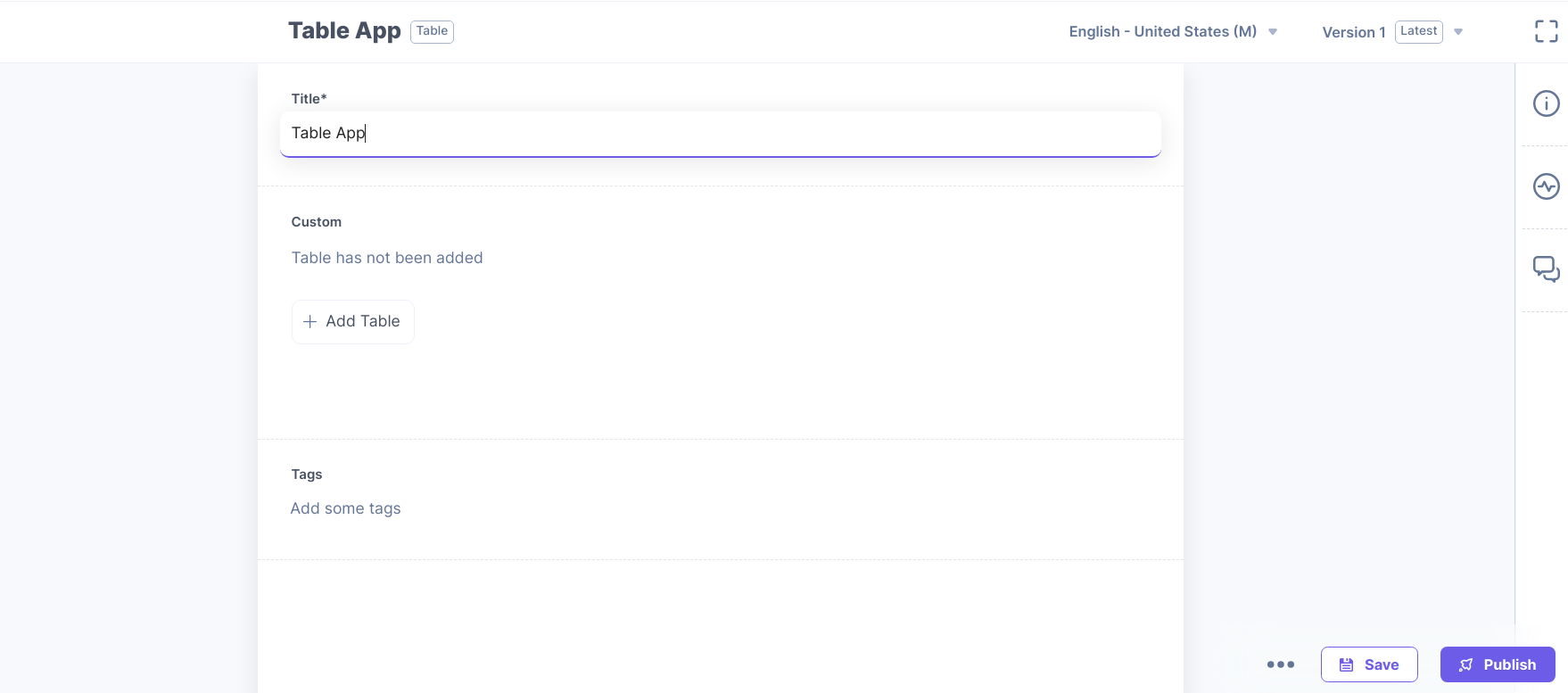
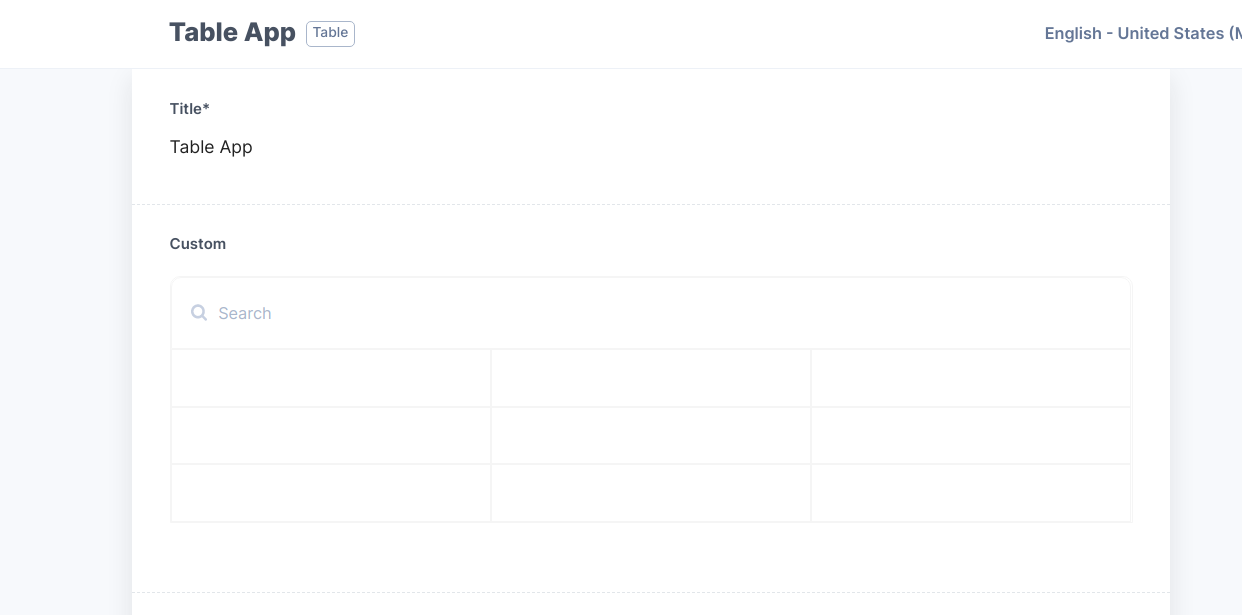
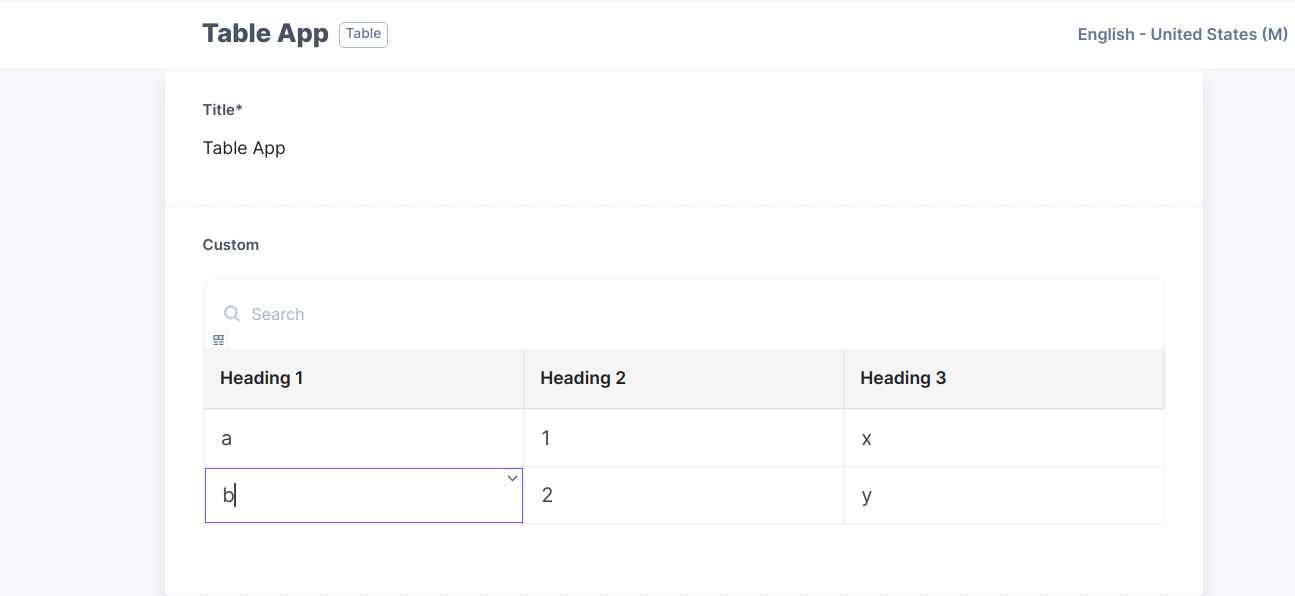
Contentstack’s Table app allows you to add a table as a custom field in your content type thereby allowing Content Managers to add data in a tabular format in the entries. Table app lets you add table headings in rows and subsequent data in columns to the table. You can perform several operations, such as sorting, inserting and deleting rows and columns.
Note: The number of rows and columns of a table, depends on the size of the JSON that is to be stored. Currently, only 10 KB of JSON data can be stored via the Custom Field. Refer to our Custom Field Limitation doc for more detail.
Use cases
Structured data: Contentstack’s Table app allows you to group data in a structured format, making the data easily accessible.
Readability and efficiency: Table app provides fast and efficient readability across data displayed in rows and columns. This in fact reduces the time required to understand the data.
Features
This Table app contains:
Custom Field
Using Table app custom field, you can add multiple rows and columns to the Table.
Screenshots